
The Things Network
To set up the webhook, open The Things Console and select the appropriate application. Click Integrations and select the AnyViz template under Webhooks.
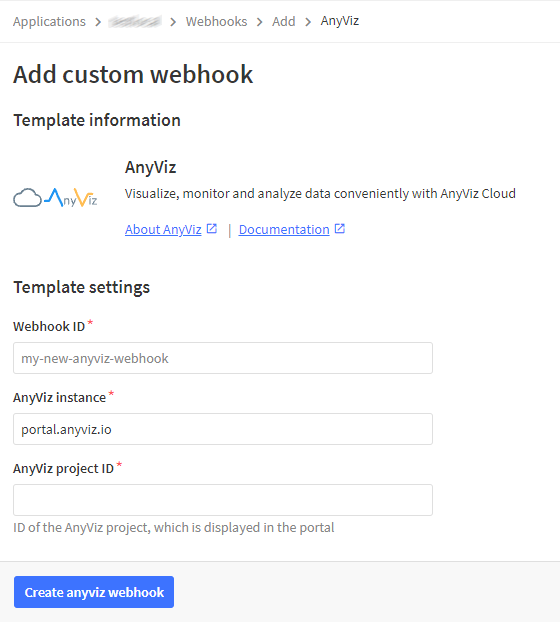
Configure webhook
| Webhook ID | Specify any ID. |
| AnyViz instance | Provide a different hostname if an OEM instance is used. |
| AnyViz project ID | Enter the Data Analyzer project number here. |
Tip: LoRaWAN devices can also be integrated directly (see LoRaWAN)